

The Challenge
I have been running face-to-face Knowledge Cafés for the last 25 years, and a question I am asked time and time again goes something like this:
We are a geographically dispersed organization, and it is impossible to bring everyone together face-to-face. How can we use information technology to run the Café virtually?
My answer has always been a simple one:
You can’t. Anything that you try to do falls so far short of a face-to-face conversation that you can no longer call it a Knowledge Café.
Until ten years ago, that is, when I discovered Zoom, and everything changed.
Join one of my upcoming Knowledge Cafés or workshops and explore Conversational Leadership in practice.
Engage in thoughtful conversation, challenge assumptions, and connect with others working in knowledge, leadership, and organisational change.
The solution – Zoom
Zoom is a cloud-based video meeting system that is perfect for hosting virtual Knowledge Cafés.
Zoom has many features and functions that go beyond supporting virtual Knowledge Cafés. It supports both text and video Instant Messaging, is an excellent webinar platform, and can support interactive workshops.
But here I wish only to describe why, to the best of my knowledge, it is the first platform to fully provide the functionality to make virtual Knowledge Cafés a reality.
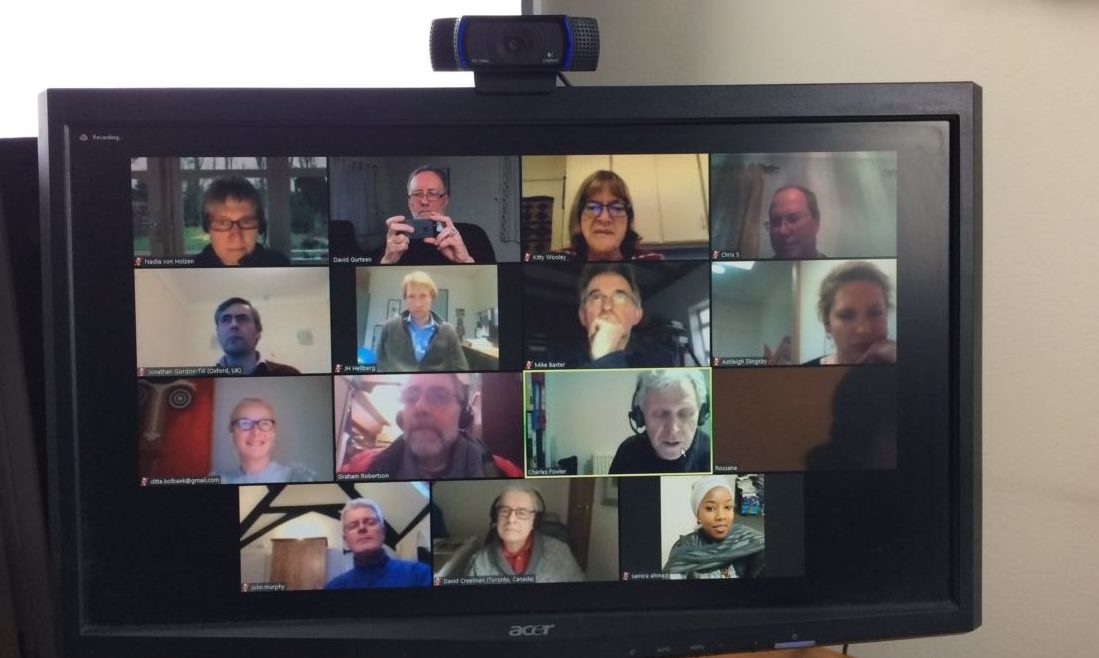
- Zoom is inexpensive, easy to use, and can handle the necessary number of users for a Knowledge Café.
- Users can access the meeting platform not only on Windows or Mac desktops but also on Apple or Android smartphones or tablets.
- The video and audio quality are excellent, and the platform is stable.
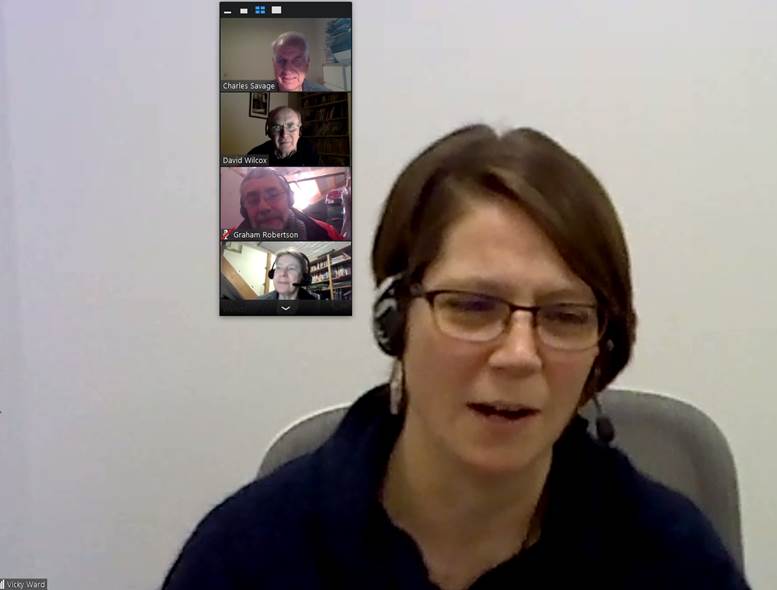
- Critically, it has breakout room capability, allowing the Café host to randomly assign participants to one of several breakout rooms for small-group conversations.
- There are several pricing options for Zoom, but from a Knowledge Café perspective, only two are relevant. There is a free basic version and a pro version that costs $15 per month. The free version contains all the key features of the Pro system, except that meetings are limited to 40 minutes.
- Both versions of Zoom can host up to 50 participants. As the Knowledge Café works best for fewer than 30 participants, this restriction is not a limitation.
- The Pro version offers some additional non-critical features, but importantly, it allows a meeting host to convene meetings of any duration.
- To host a virtual Knowledge Café, only the Café host needs to subscribe to the Pro version of Zoom to bypass the 40-minute limit.
- The Café participants need only subscribe to the free Basic version.
- Zoom has a meeting scheduling function.
- It can share the host’s desktop and thus give short PowerPoint presentations to the participants,
- Zoom allows meetings to be recorded and has a text chat facility. These are nice-to-have options rather than essential features to run Knowledge Cafés.
In short, Zoom is a viable low-cost technology platform for convening and hosting virtual Knowledge Cafés.
Resources
- Website: Zoom Video Conferencing
Posts that link to this post
- Virtual Knowledge Café Process On the Zoom video conferencing platform
(Public Domain)If you enjoy my work and find it valuable, please consider giving me a little support. Your donation will help cover some of my website hosting expenses.
Make a donation
Yeah, zoom is good. Additionally, one can also use on premise R-HUB HD video conferencing servers for conducting online video conferences. It provides 30 way HD video conferencing and works on all platforms viz Windows, MAC, iOS and Android.